
My path at signNow
Start with the live product
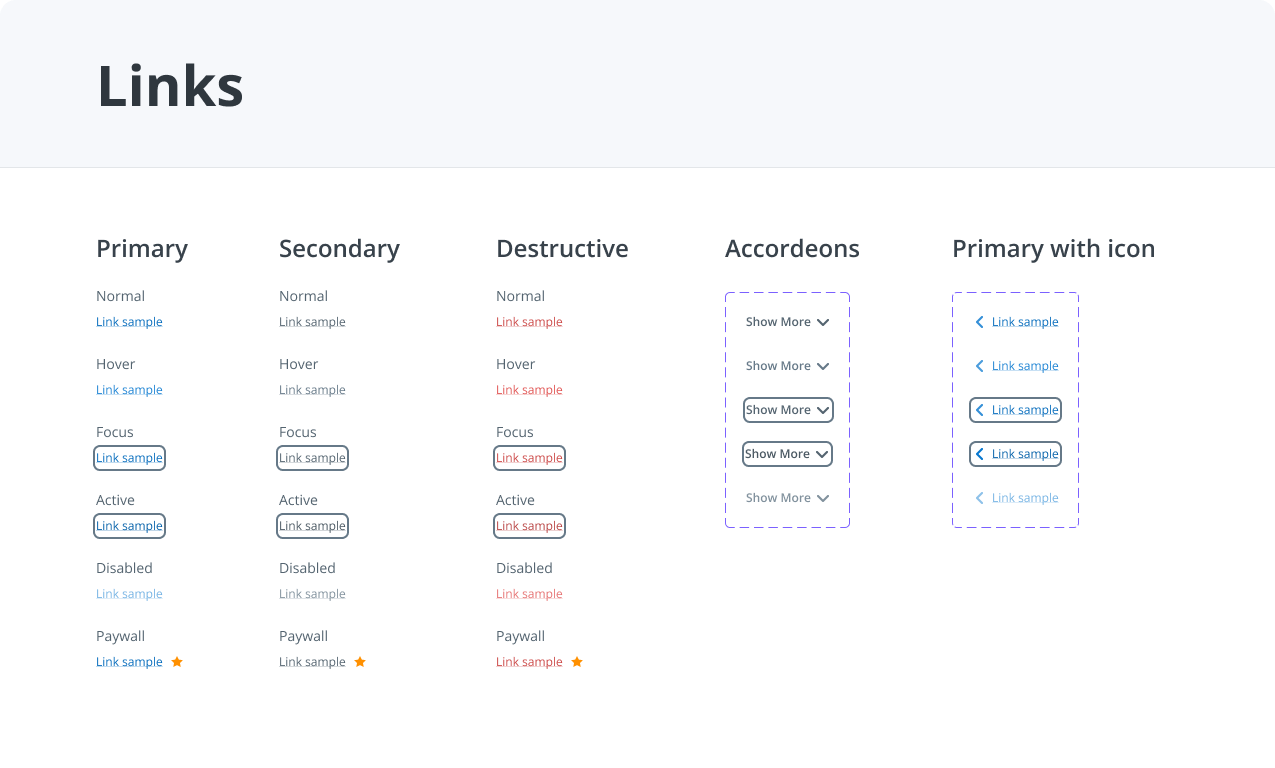
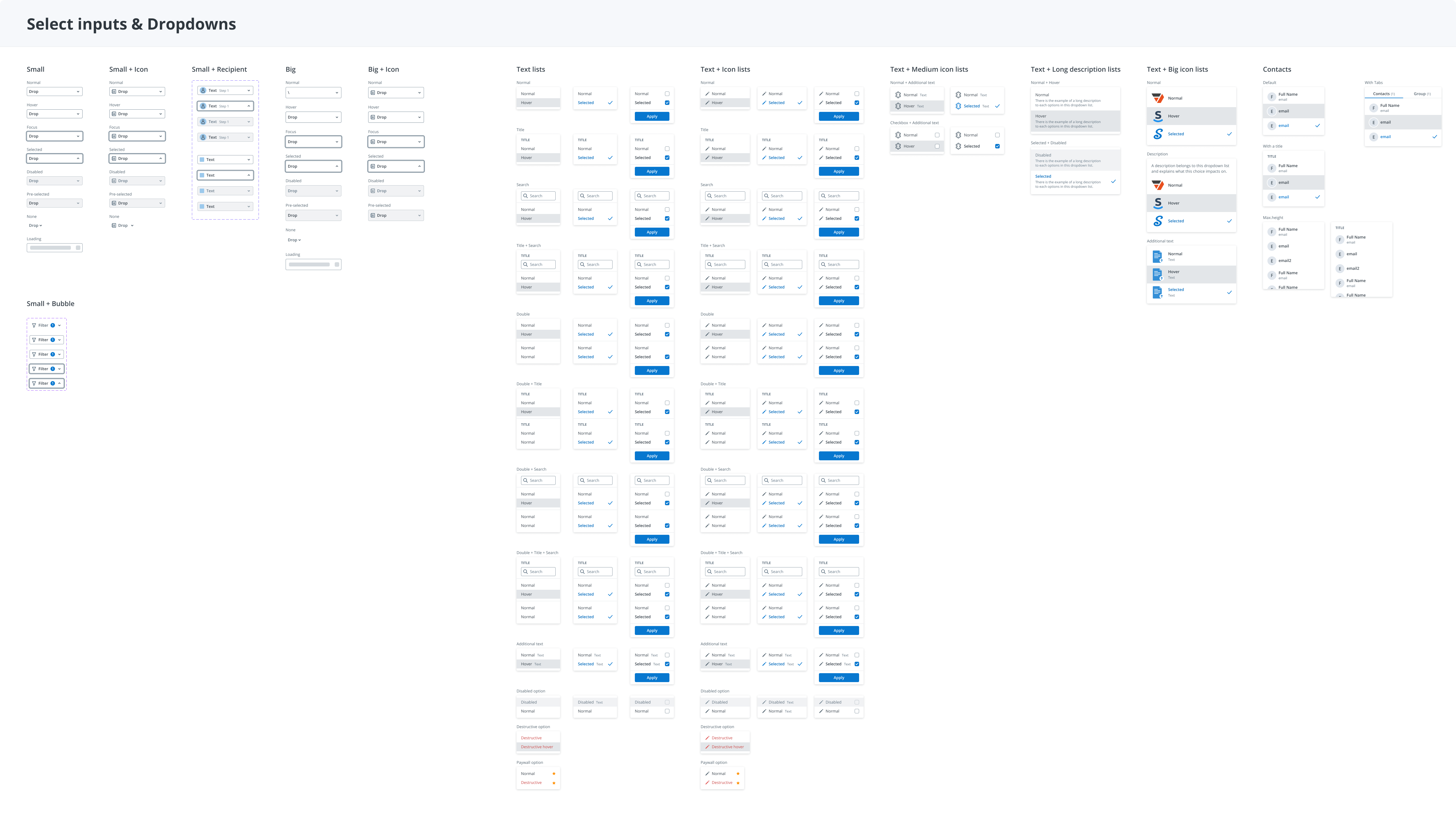
I worked with developers on small, targeted improvements, often using screenshots to explain quick fixes. Alongside that work, I began building the product’s first design system.
Build the foundation
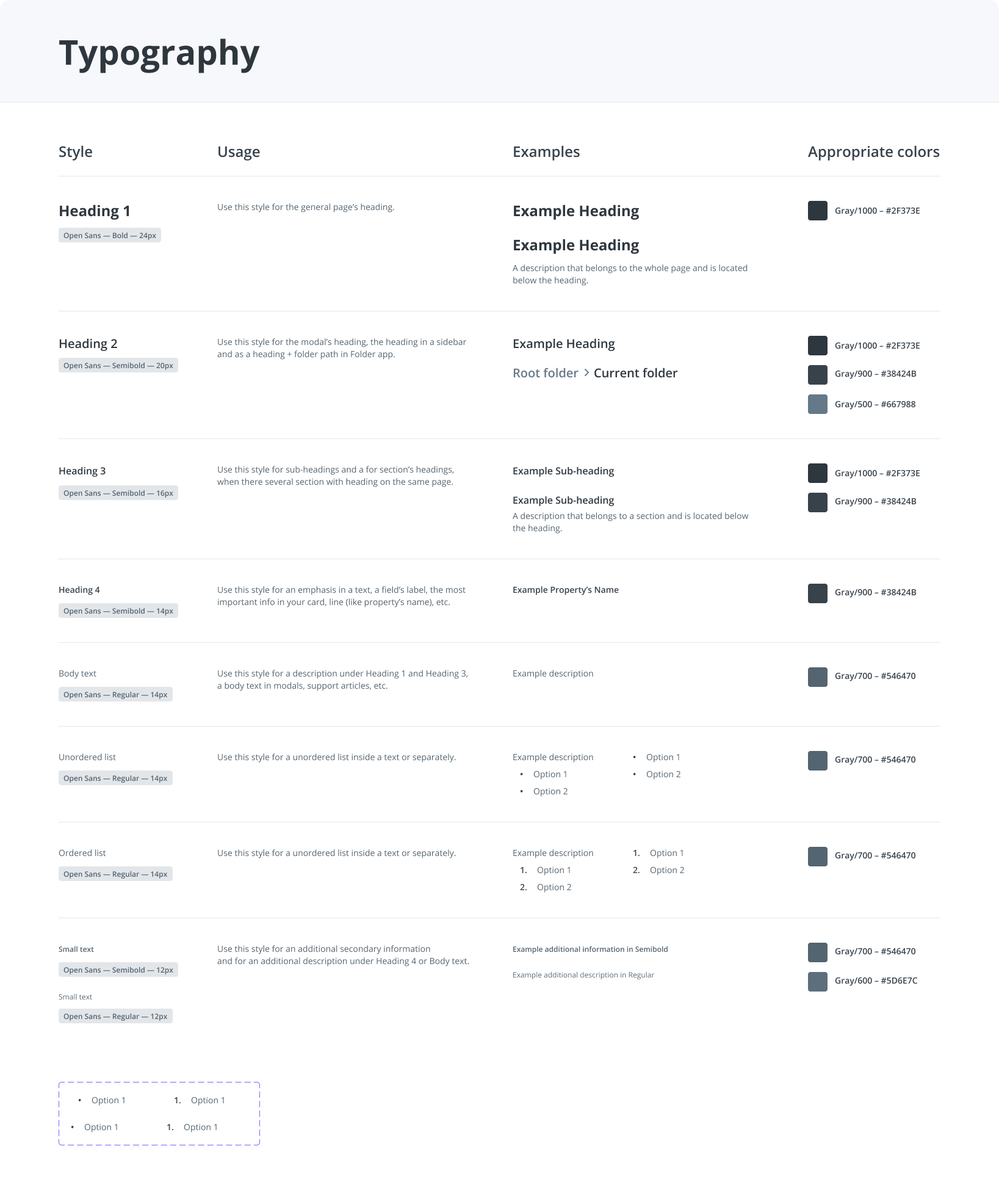
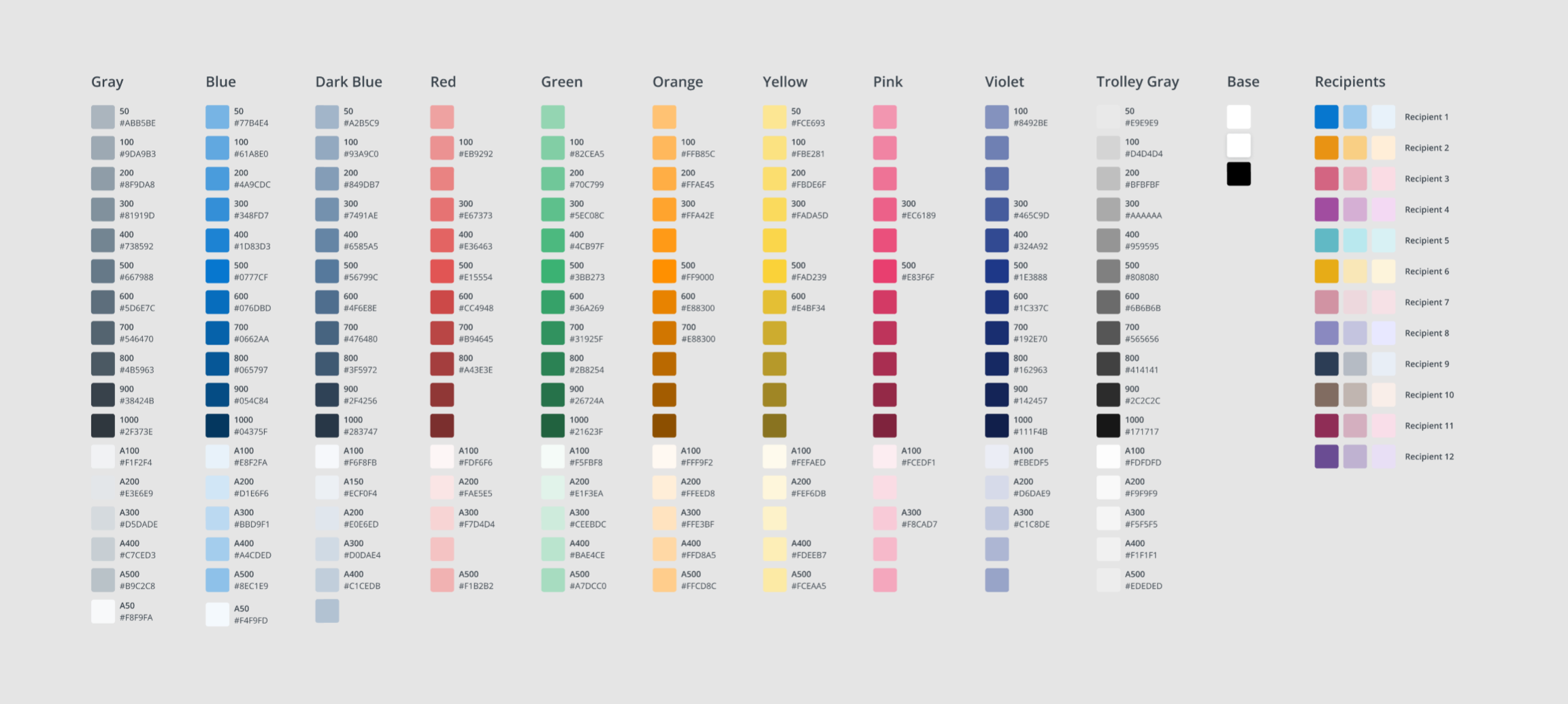
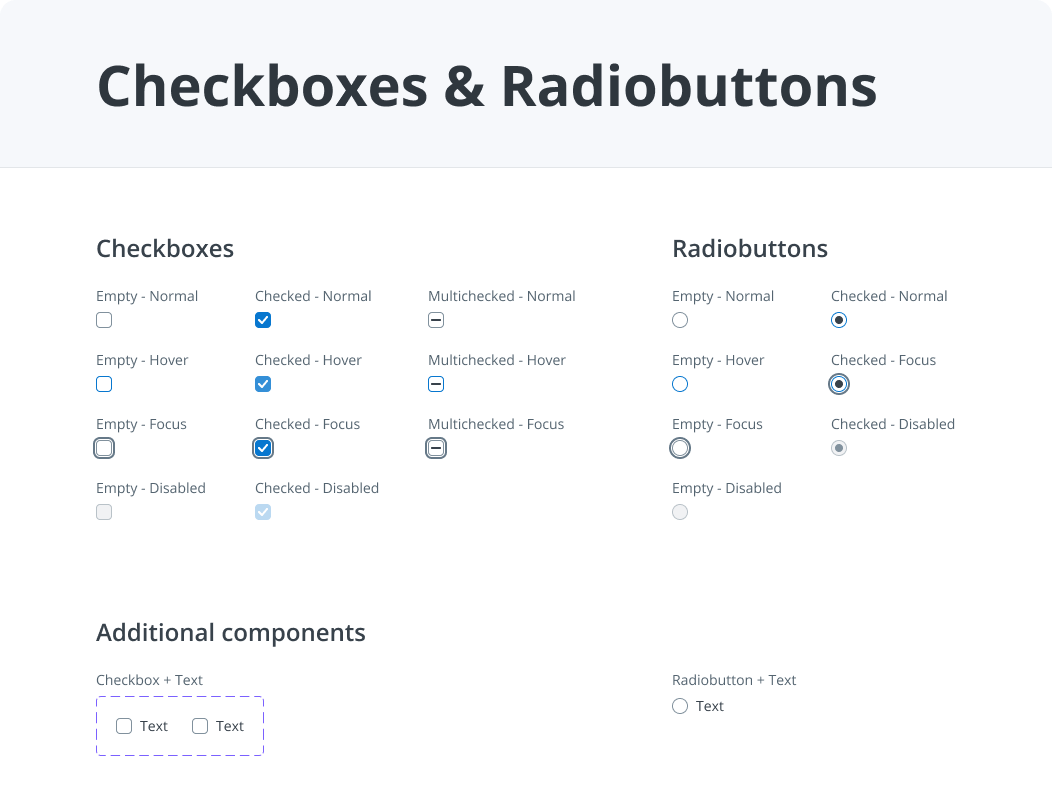
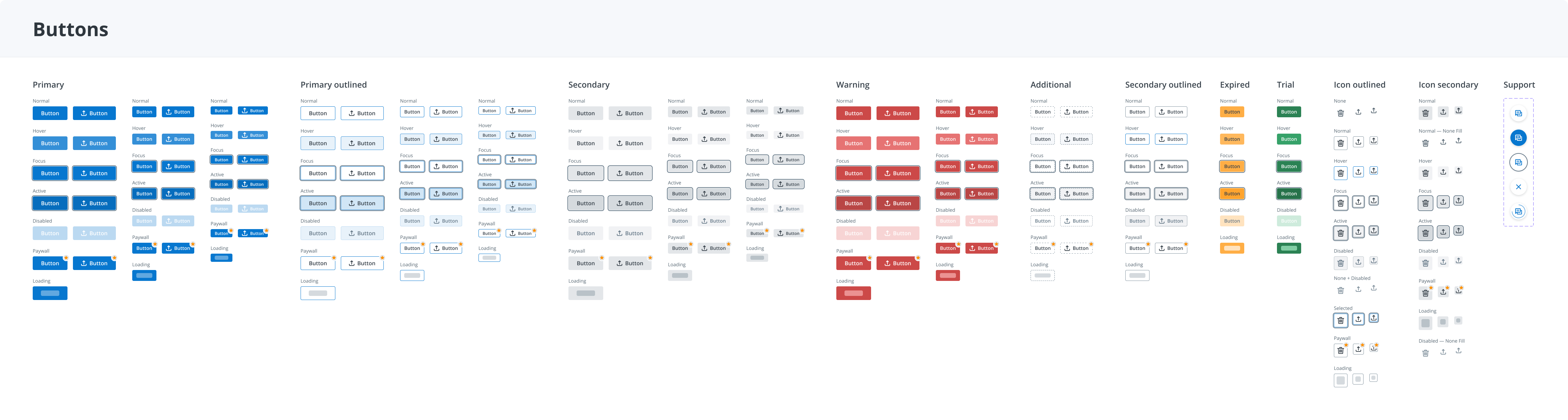
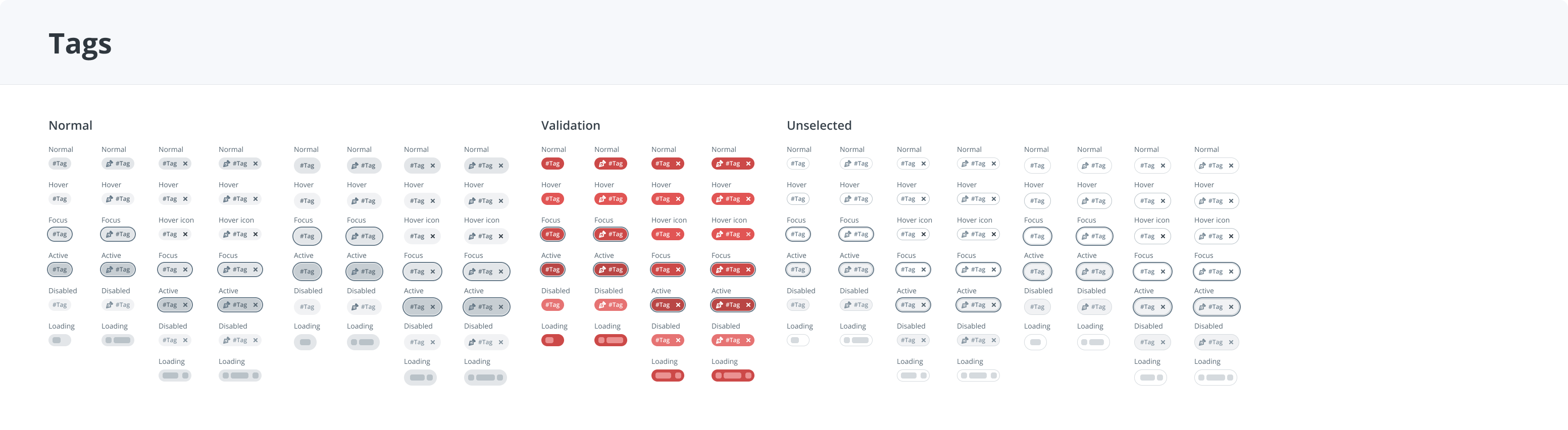
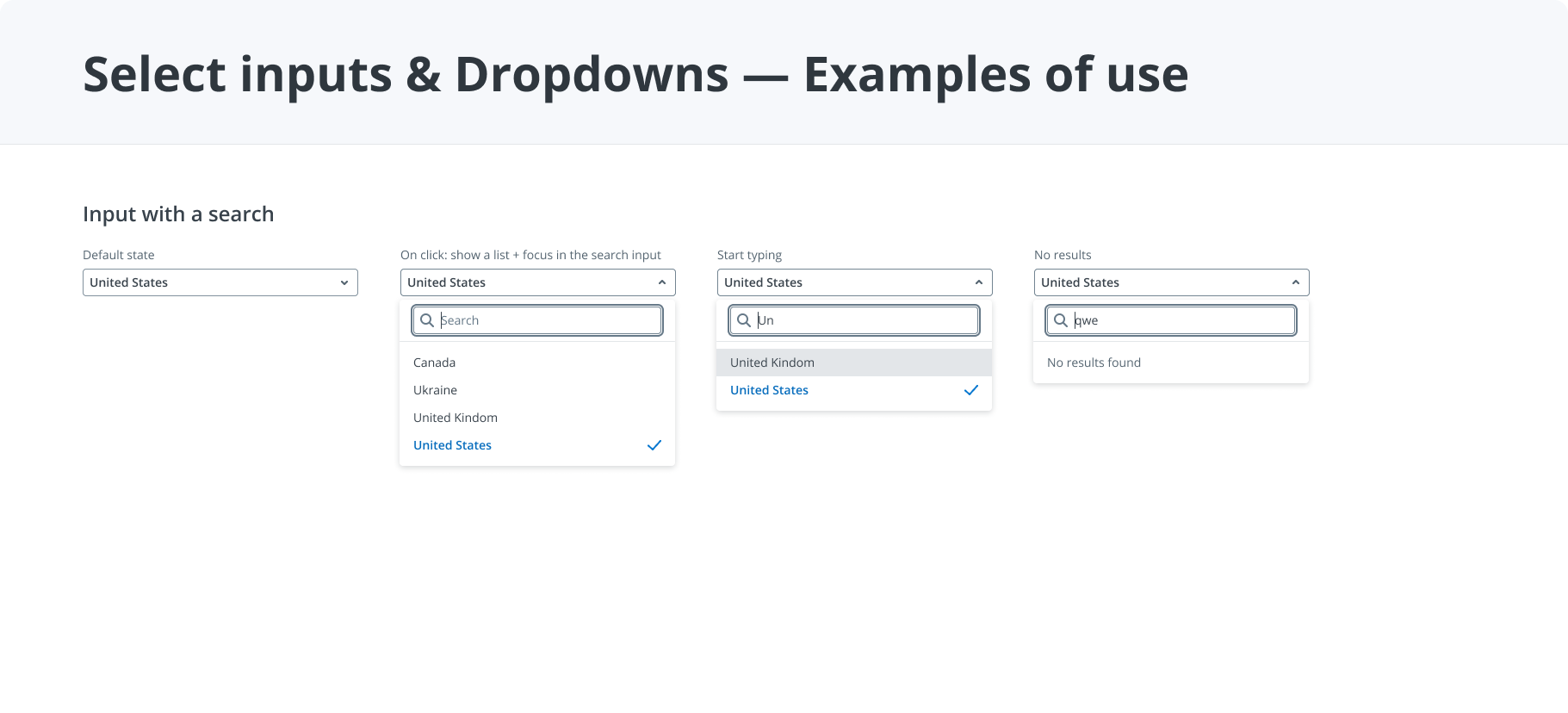
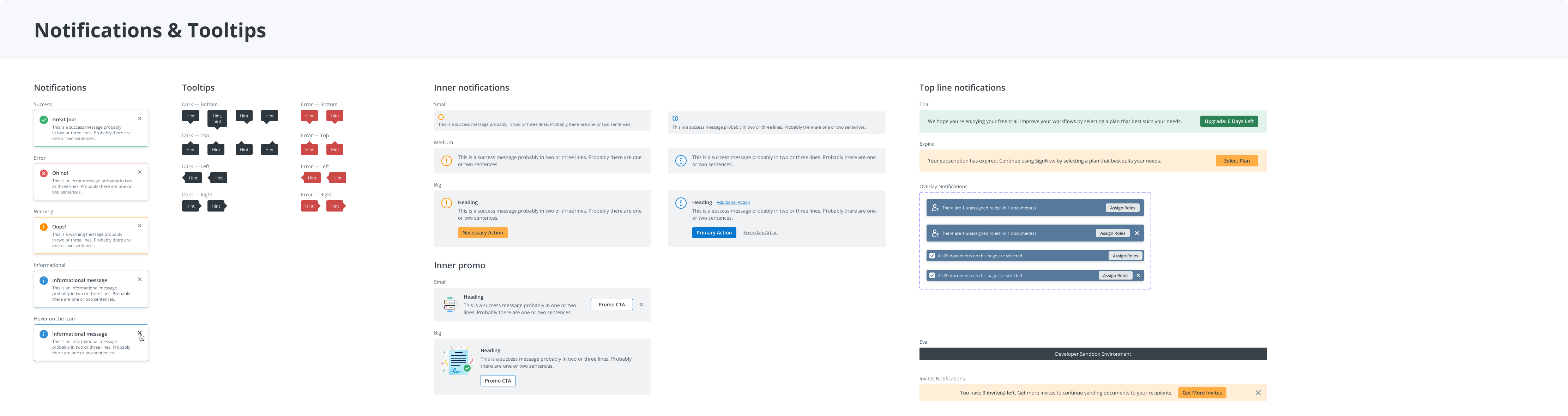
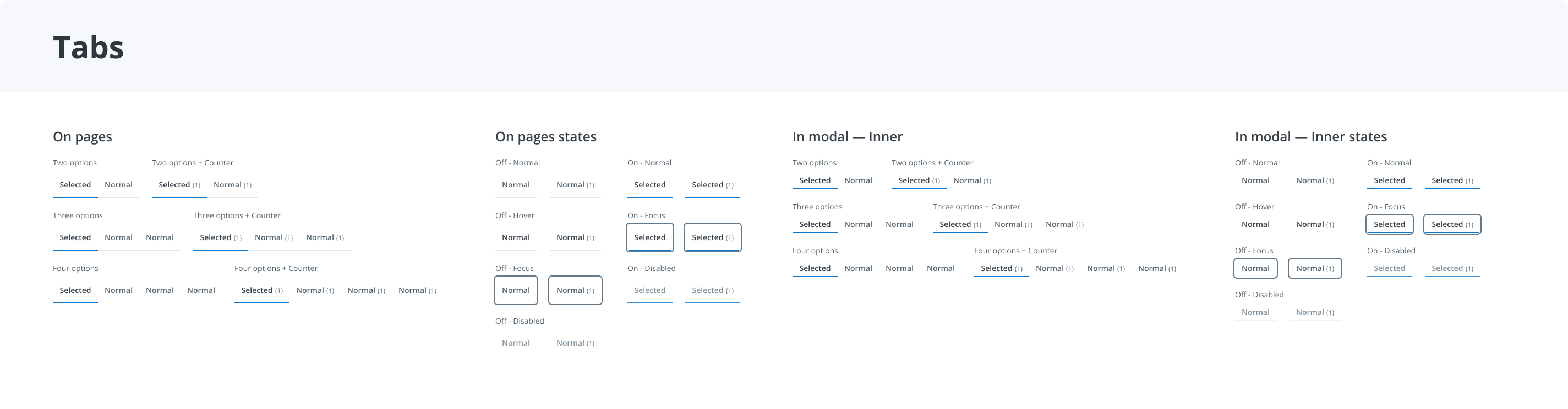
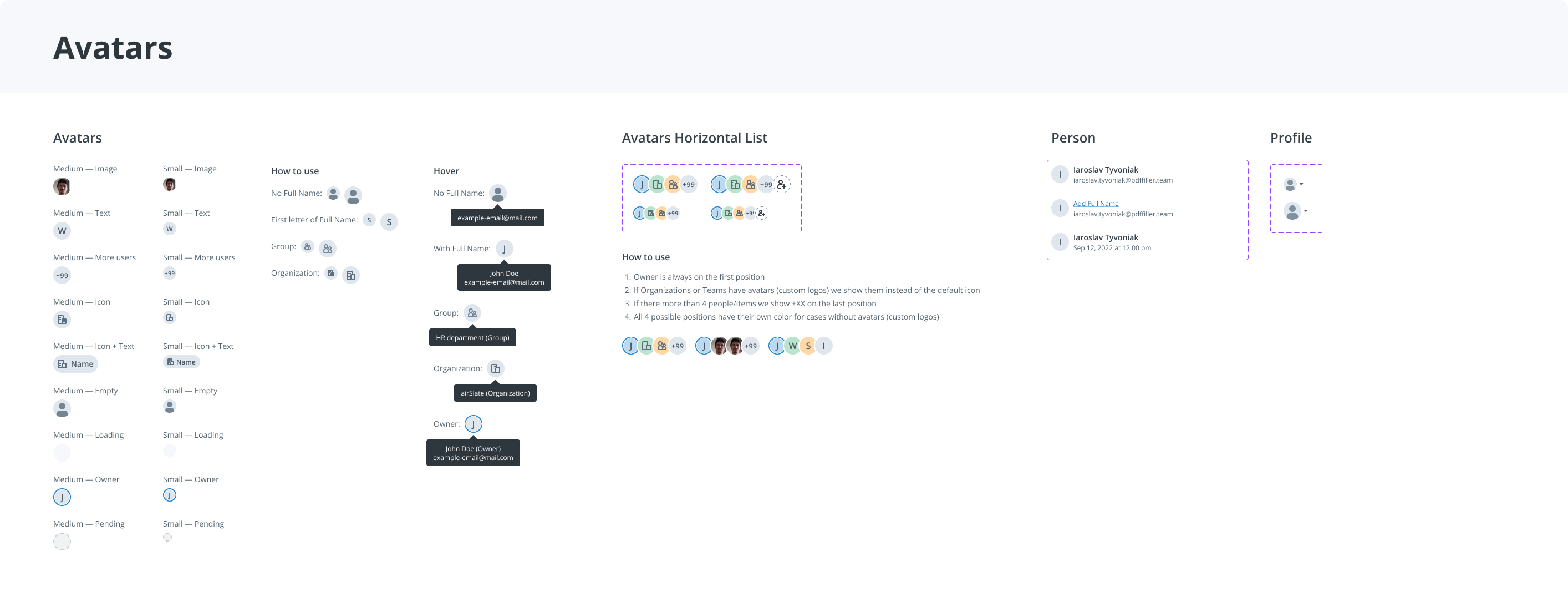
I completed the first design system in Sketch, with Zeplin for handoff, and began redesigning the product’s core screens.
Bring the redesign to users
We continued redesigning the core screens. The updated Folder App was publicly announced in September 2020.
Release notes · September 2020 ↗Improve flows. Add new features.
With the redesigned product in place, I focused on the funnels I owned across teams, improving existing workflows and designing new features.
Evolution, not revolution.
There were no source design files, but the product was already live with an established audience. During my first year, I worked from screenshots and partnered with developers on targeted improvements, preserving patterns people already knew.
That year, I also explored concepts for a new interface and shared them with stakeholders and the team. These concepts helped us align on a direction for the product before moving into the redesign and building its first design system.
In November 2018, signNow’s own press release reported 5.7 million daily users.
signNow press release · 12 Nov 2018 ↗Improve the live product
Resolve specific problems without replacing familiar workflows all at once.
Initiate the first system
Create controlled design files, shared components, and core-screen designs in Sketch, with Zeplin handoff.
Move into Figma
Migrate the design system and redesigned product work from Sketch and Zeplin to Figma.
I prioritized with a business analyst using product usage and business needs. Shared design files and patterns gave us a foundation for controlled changes and gradual A/B rollout.
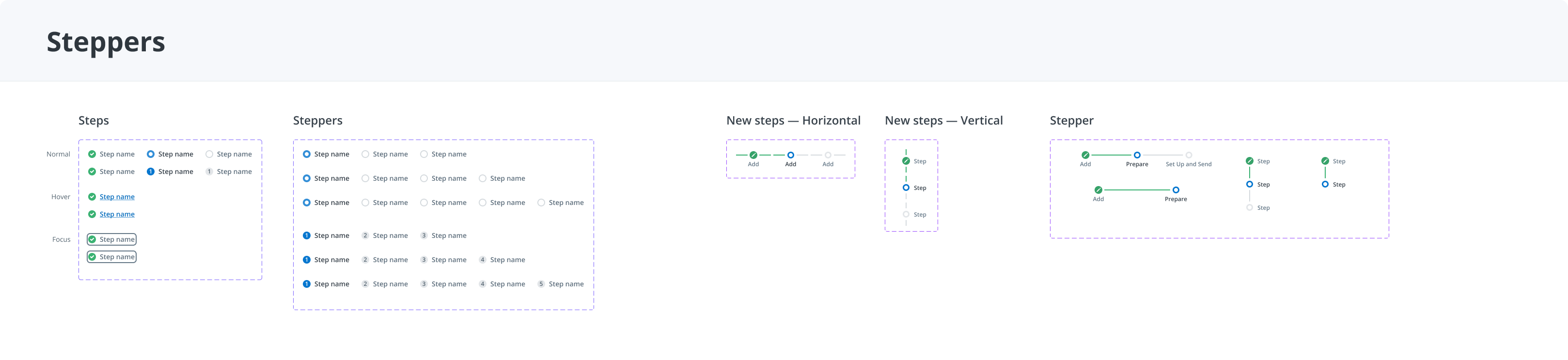
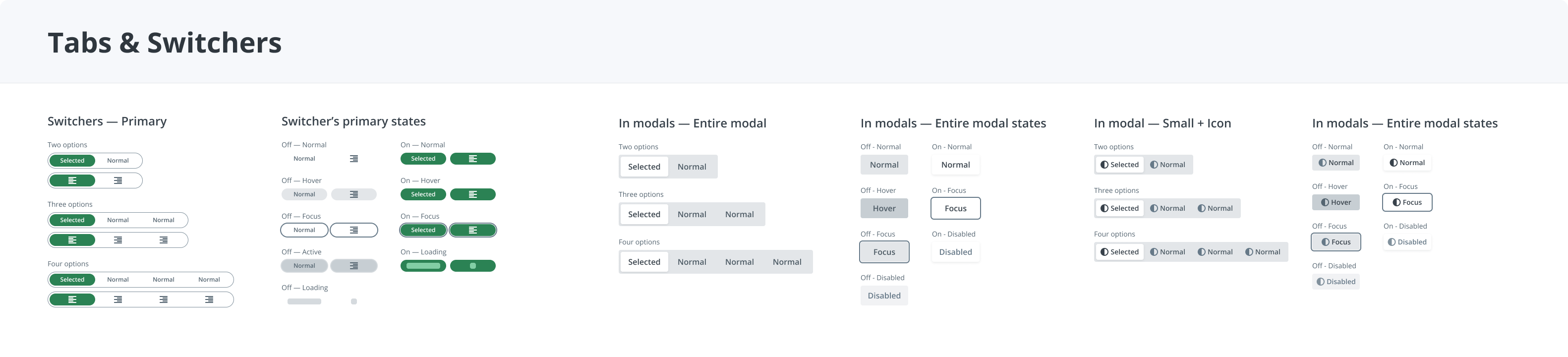
Turn recurring decisions into components.
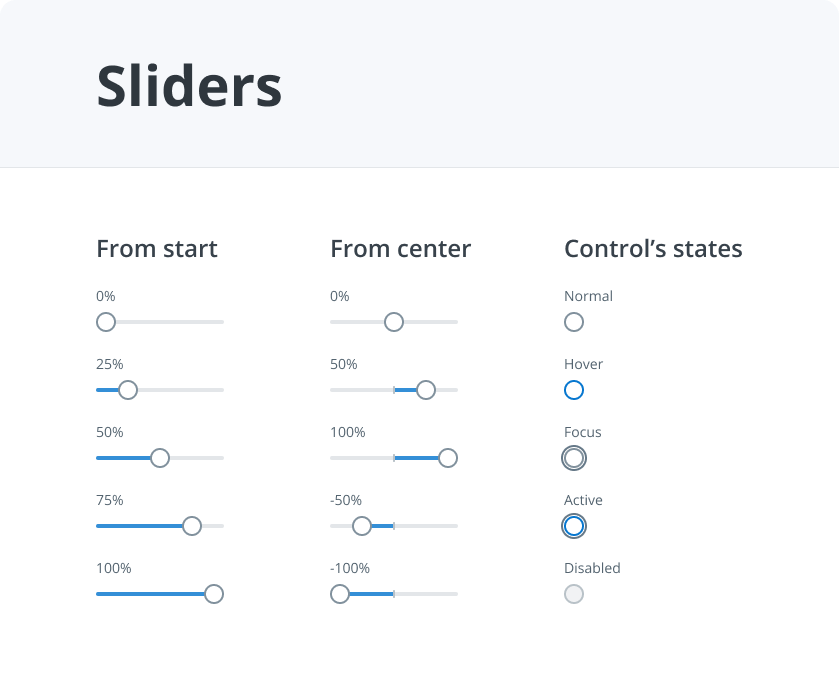
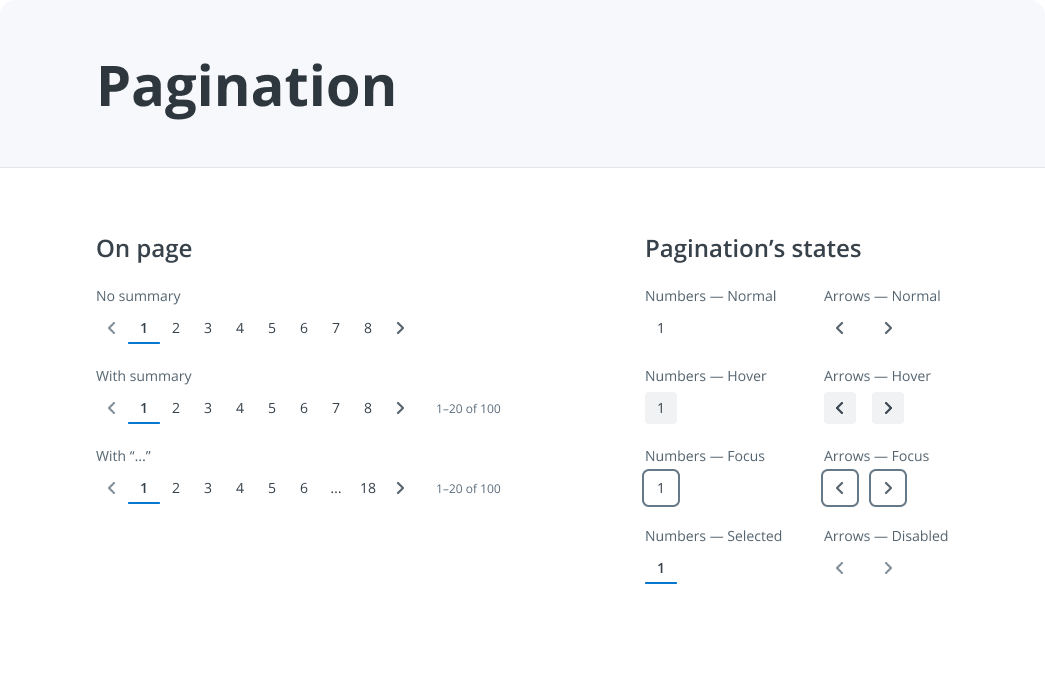
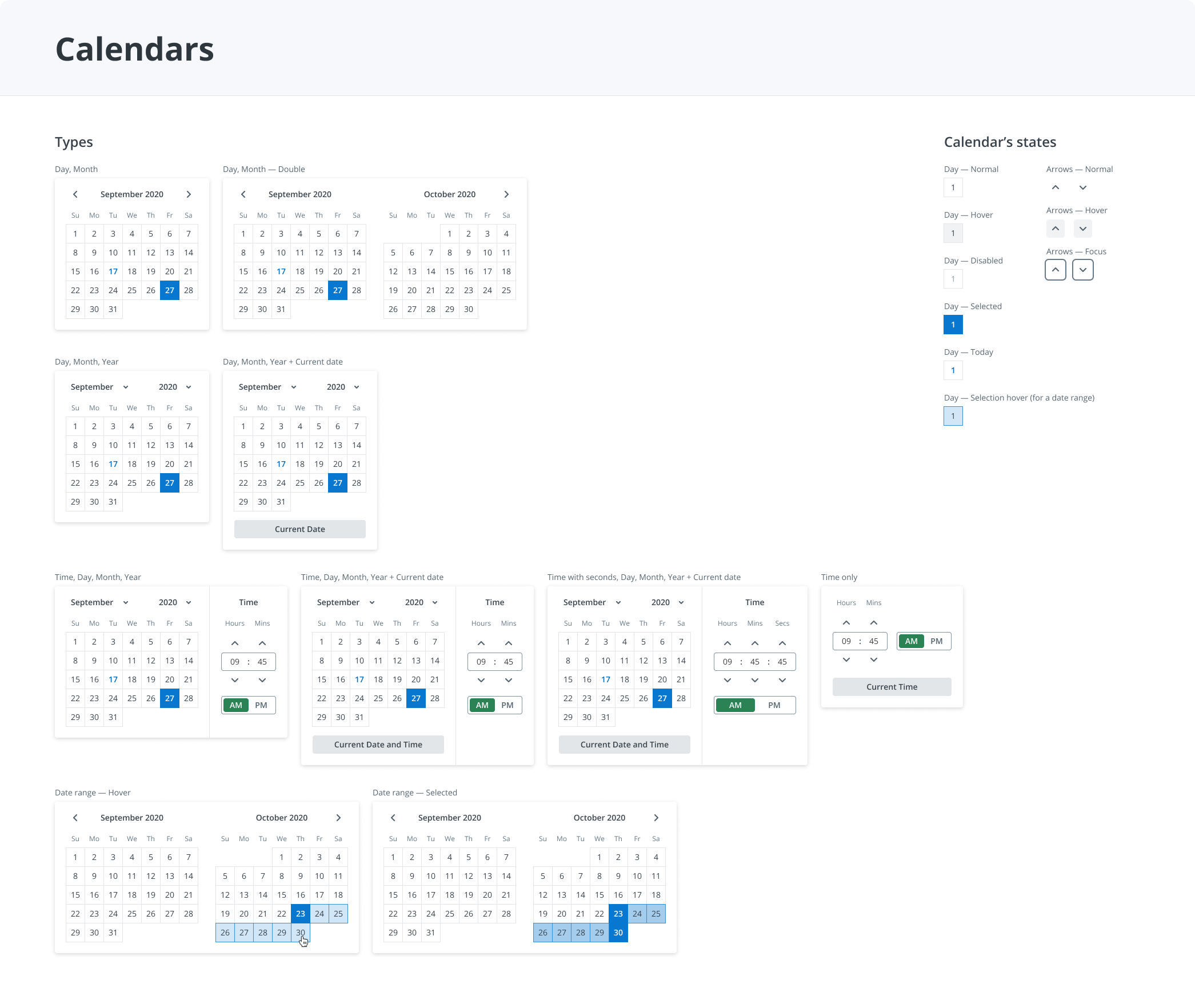
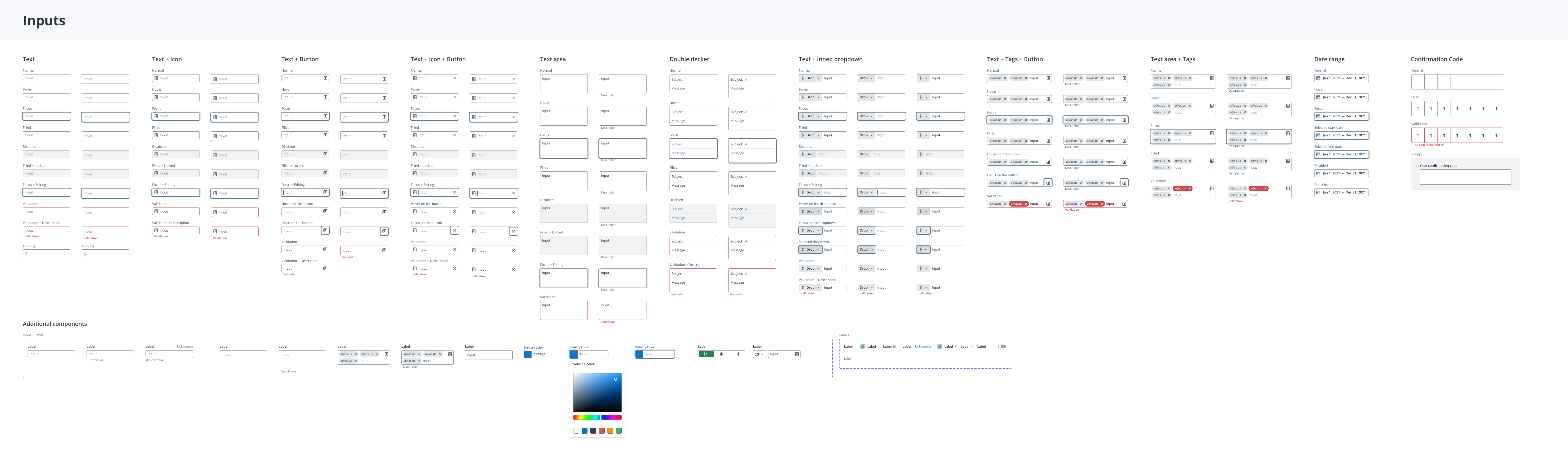
I created the first shared library of product foundations and components, then used it across the core-screen redesign.
How I led the work
I proposed the system and core redesign, aligned the plan with the design manager, and partnered with engineering. A business analyst helped prioritize screens using product usage and business needs.
Redesigning the document manager.
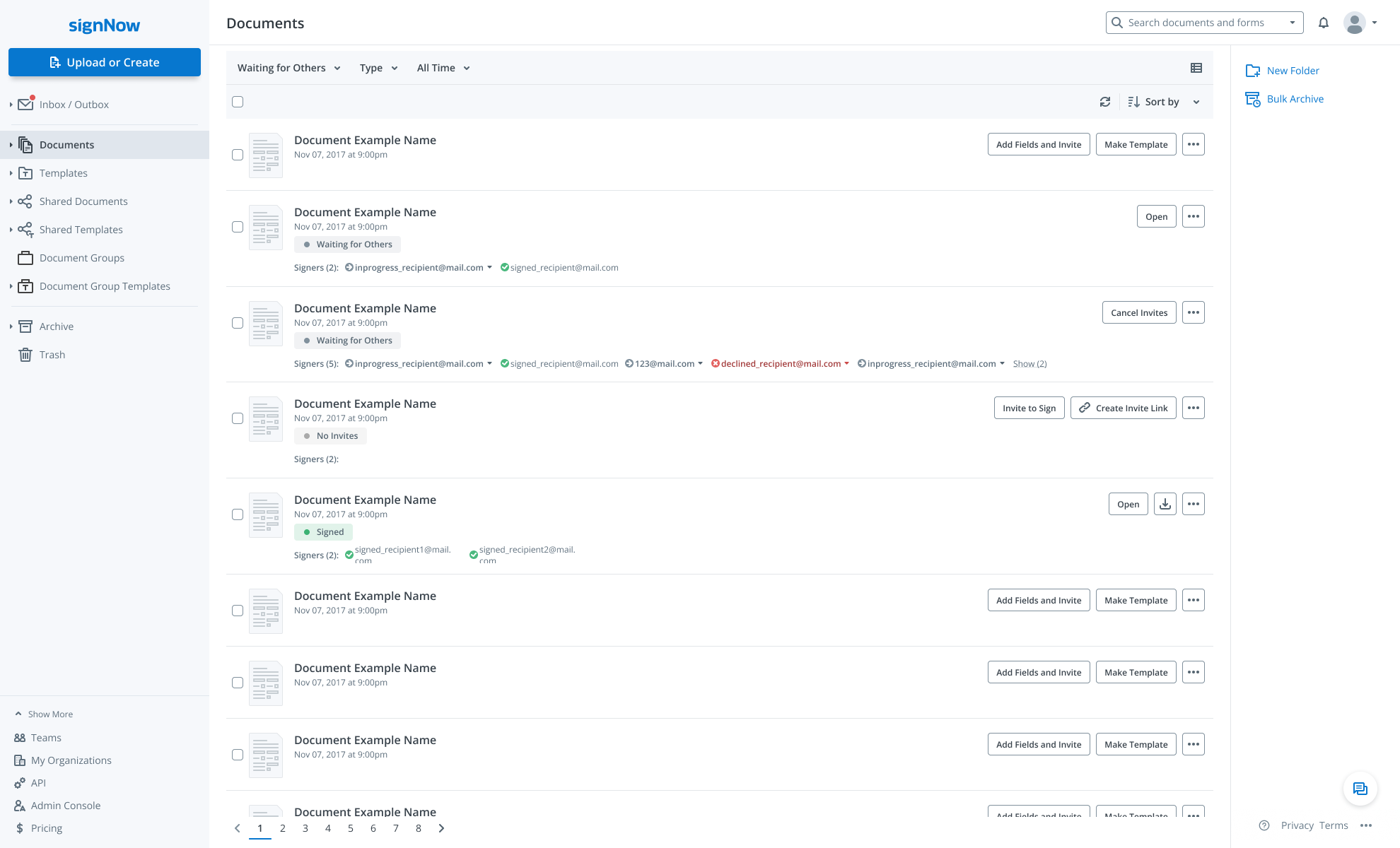
Folder App: signNow’s document manager.
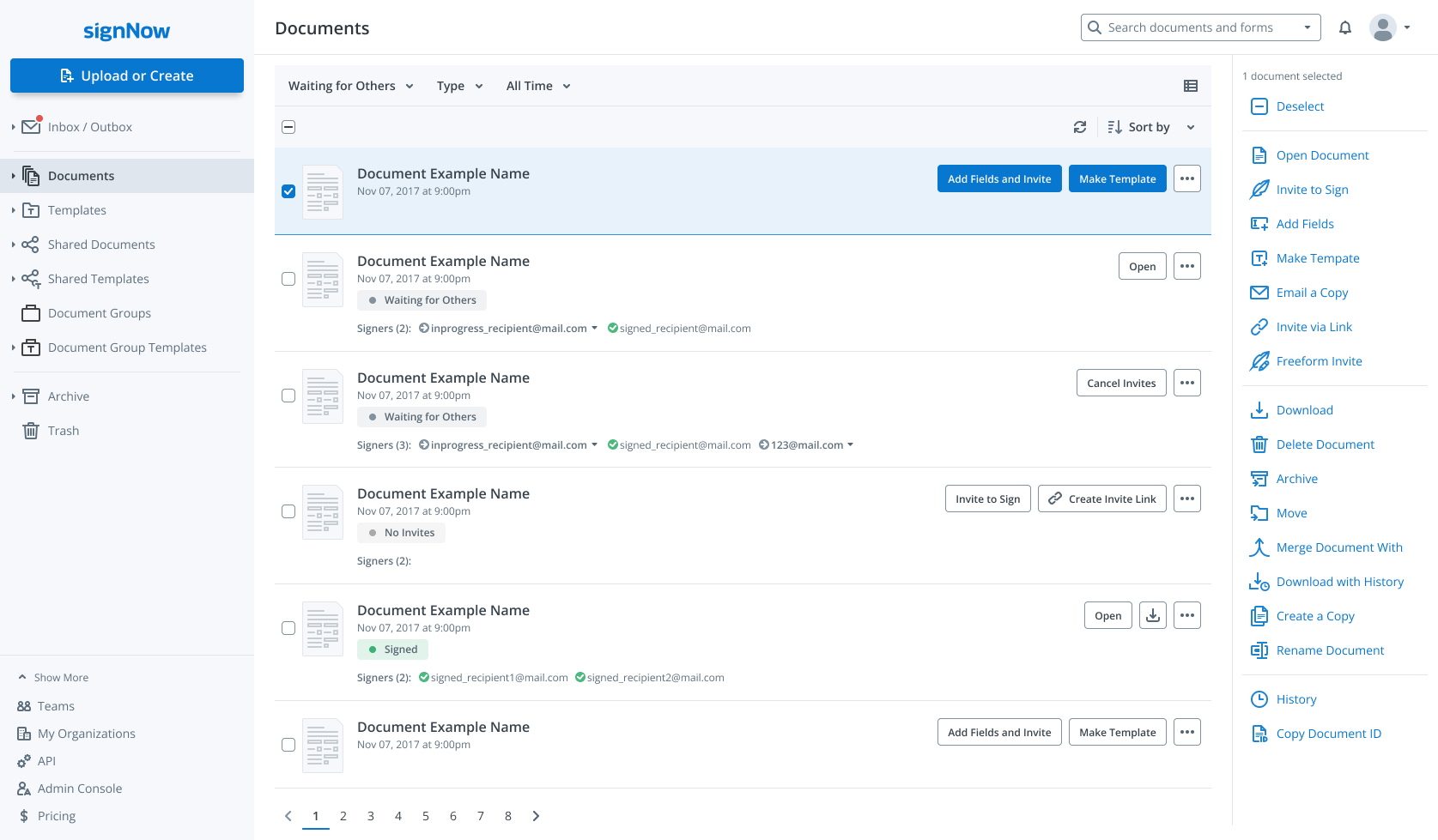
The Folder App is signNow’s document manager and the starting point for navigating the product. Users can upload documents, create reusable templates for recurring sends such as invoices, track sending and signing statuses, and run bulk actions across multiple files. It also brings together documents shared across teams, the archive, and the trash.
This was the main screen users worked with after entering signNow. Its redesign was part of the wider core-screen redesign, built on the product’s first shared design system.
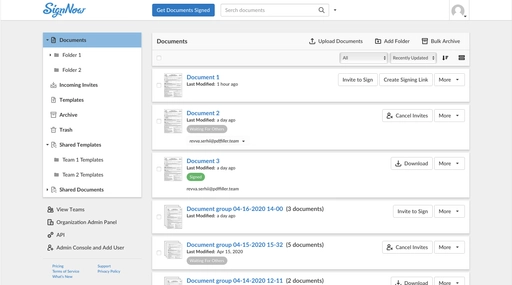
Fixed layouts and limited document-management controls.
The document manager needed to work across screen widths and support a growing set of file-management features. The existing interface made both difficult.
- The layout did not adapt to different screen widths. UI issues made the main screen harder to use as the available space changed.
- Finding the right documents meant working through a long list. Users could not narrow the list by the statuses they needed, including sent or received documents and signature requests that had expired or were about to expire. Navigation also needed a clearer separation between document status, folders, and shared materials.
- Bulk actions had too little room. They sat in a fixed horizontal area, making it difficult to add actions and introduce customers to new ways of working with their documents.
- The list made document information harder to scan. Repeated card borders and containers competed with the content. Status and recipient information needed a clearer, more consistent place so users could understand a document’s progress from the list.
- The starting action needed to stand out. Uploading documents was a small action above the list, separate from the main Get Documents Signed button. The entry point for adding or creating a document needed to be clearer.
- New features needed a design foundation to build on. There were no source design files, making changes slower to design and coordinate with developers. We needed reusable patterns that could support new file-management features without continually reworking the screen.
The goal was to improve everyday document work and create a foundation we could extend as new features arrived, while keeping familiar workflows recognizable.
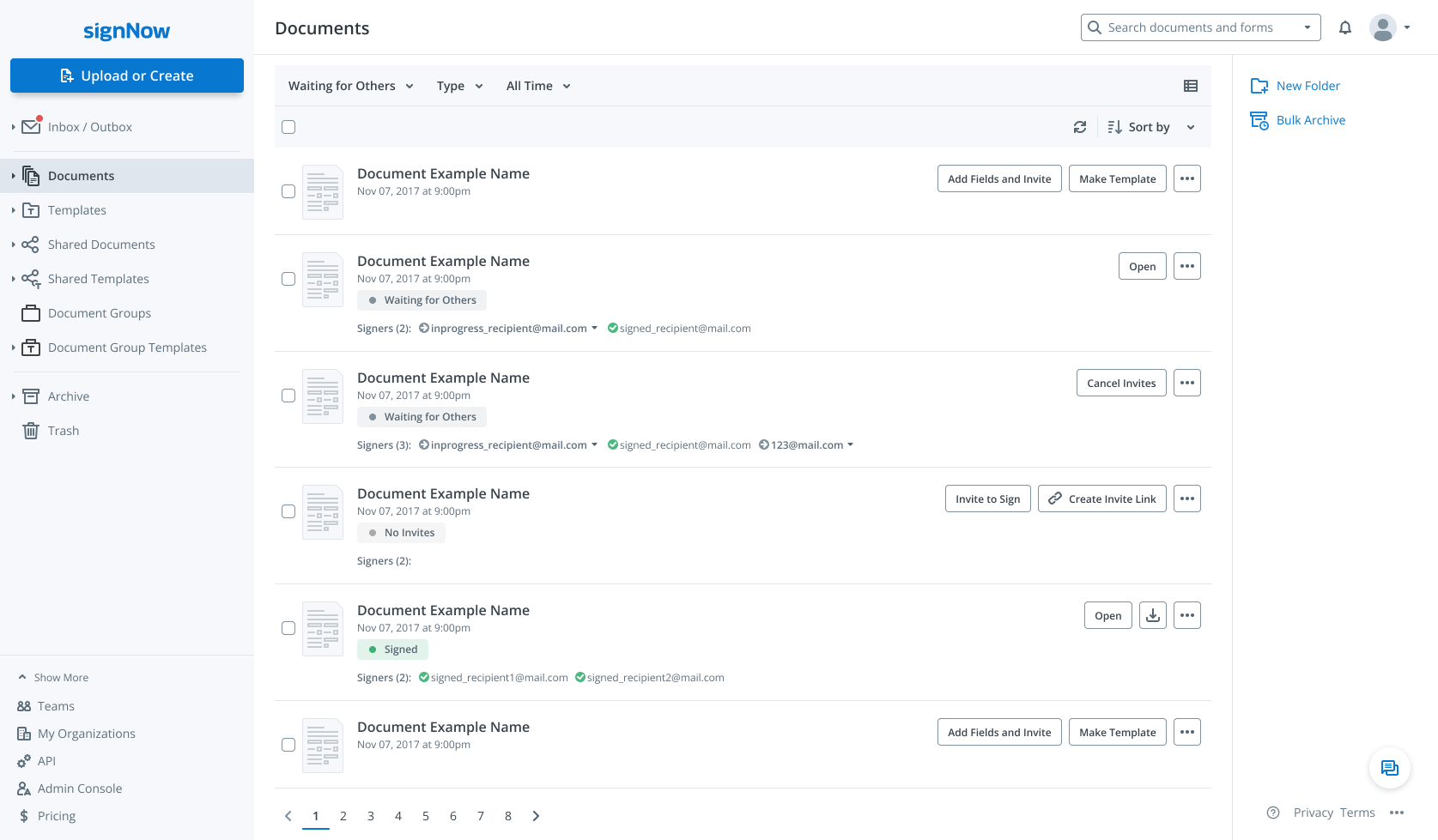
Redesigned document manager with a foundation for new features.
Make everyday document work easier to navigate.
I separated finding documents from acting on them. Quick Access and explicit filters give users ways to narrow the list, while document-level controls stay beside each item and bulk operations have a dedicated panel.
A flatter list with consistent rows reduces competing card borders and gives names, metadata, statuses, and actions predictable positions. A prominent Upload or Create button provides a clear starting point for adding documents.
The shared design system provided reusable patterns for the core-screen redesign, including screen-width adaptation and space for new file-management actions.
Document manager · screens and states
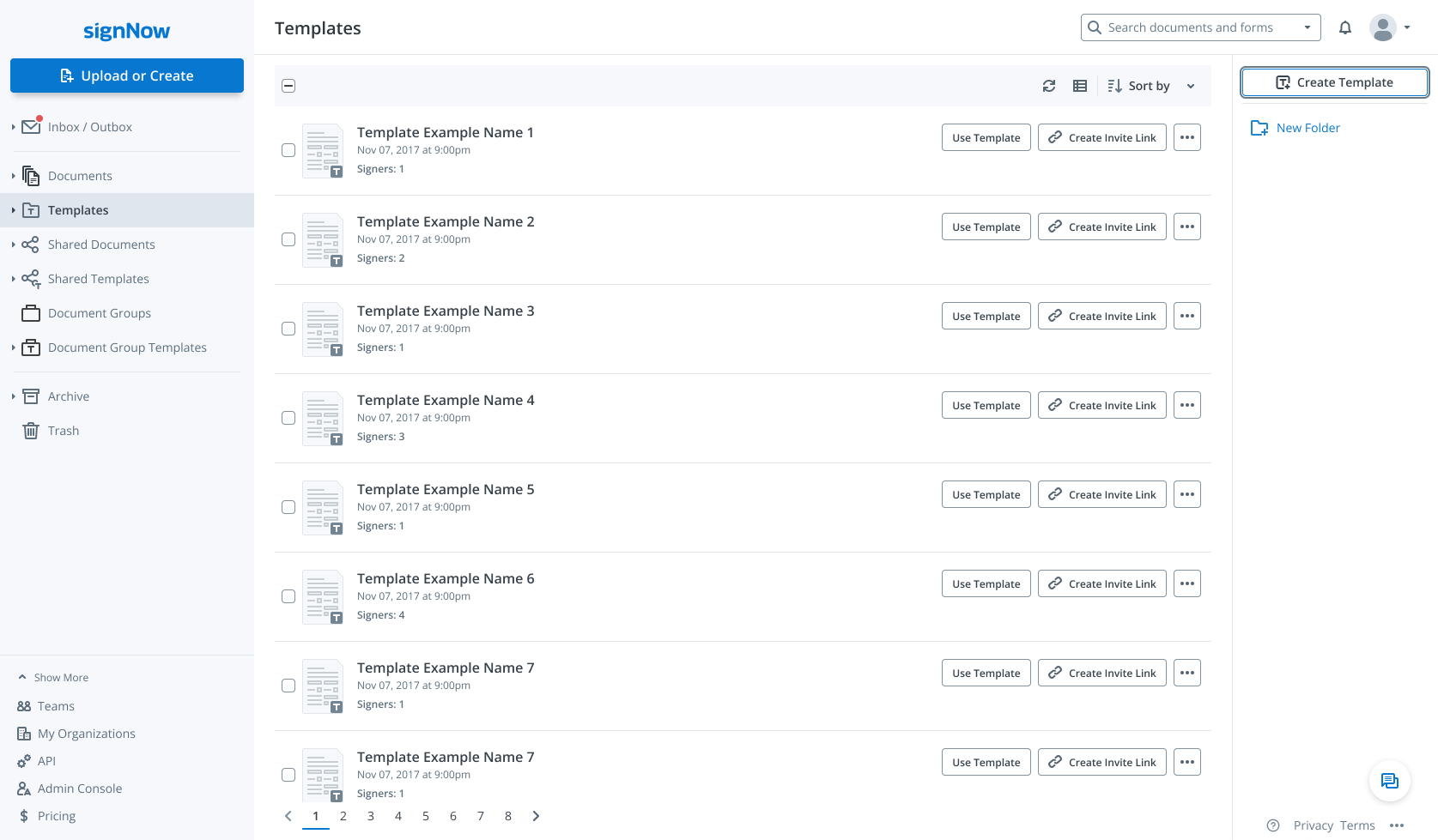
Find the relevant documents
Quick Access separates status-based views from folders and shared materials: Waiting for Me, Waiting for Others, Signed, Drafts, and Expiring Soon. Status, type, and time filters further narrow the document list.
Keep context close
Document status, signer count, and individual recipient states sit alongside each document. Users can inspect progress from the list, with relevant actions beside the item and secondary actions in its menu.
Act on one item or many
A dedicated right-hand panel separates bulk operations from actions on individual documents. It explains that users need to select documents first and provides room for actions such as moving, sharing, downloading, merging, and archiving.
Released as part of a gradual core redesign.
Validated with new and existing users.
The redesign, built with components from the new design system, went through several rounds of A/B testing—first with new users, then with existing customers. After several iterations, key product metrics held steady or improved.
We gained a consistent foundation we could maintain, improve, and extend with new Folder App features.
Key product metrics
We relied on document uploads, completed signatures, templates created, new registrations, and trial-to-paid conversion to compare A/B variants and guide rollout decisions.
Additional relevant measures for the document manager include documents sent for signature, document completion rate, and template reuse rate.
Make the first steps useful.
Replace an introductory tour with a personalized account, a ready-to-use signature, and a clear next step.
A new account. A first document to work on.
For newly registered customers, getting started meant moving from an empty account to working with their own documents. Onboarding was an opportunity to prepare the account for that first task.
The tour introduced features. It offered little immediate value.
The existing onboarding used popovers to introduce the product. Their impact on newly registered users was weak: explaining the interface did little to help people get something useful ready.
We decided to personalize the account and prepare information customers would reuse, then guide them to upload their first document.
Set up once. Use it in the work that follows.
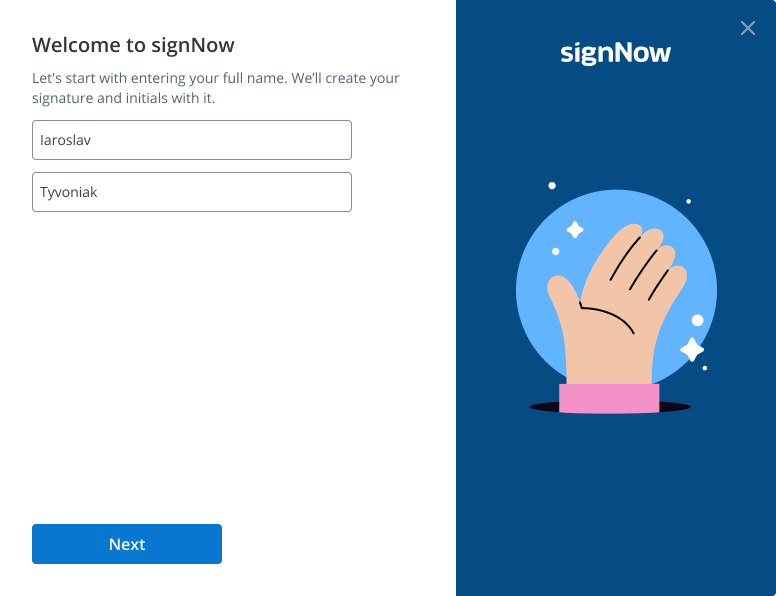
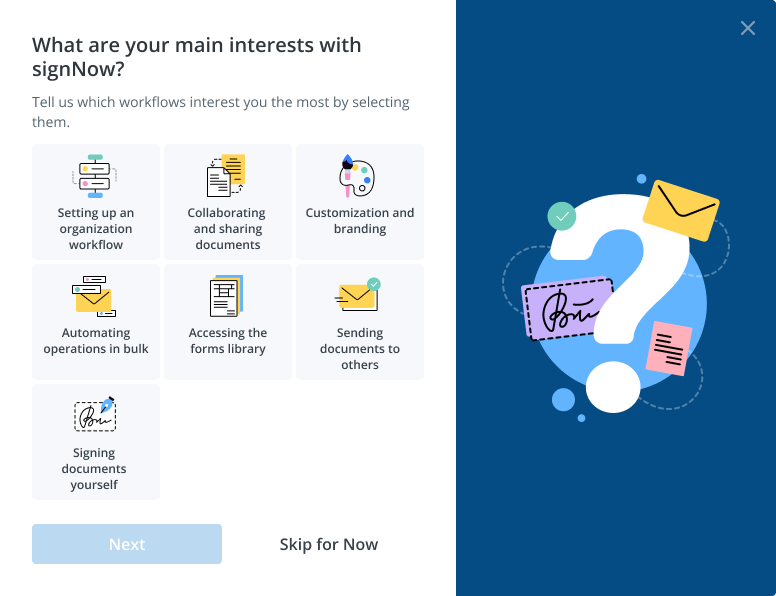
The new flow starts with the customer’s name, asks about their intended use, and prepares a signature and initials. It ends with a direct invitation to upload the first document.
Onboarding · from setup to first document
Start with the person.
Collect the customer’s name to personalize the account and prepare their signature and initials.
Understand their first task.
Test whether new users would share their goals by selecting their main interests. This would inform future onboarding steps tailored to those goals, such as creating an organization or adding a company logo and branding to the signer experience.
Prepare something reusable.
Generate a signature and initials from the customer’s first and last name, ready to reuse later. They can change either one and draw their own with a mouse or trackpad.
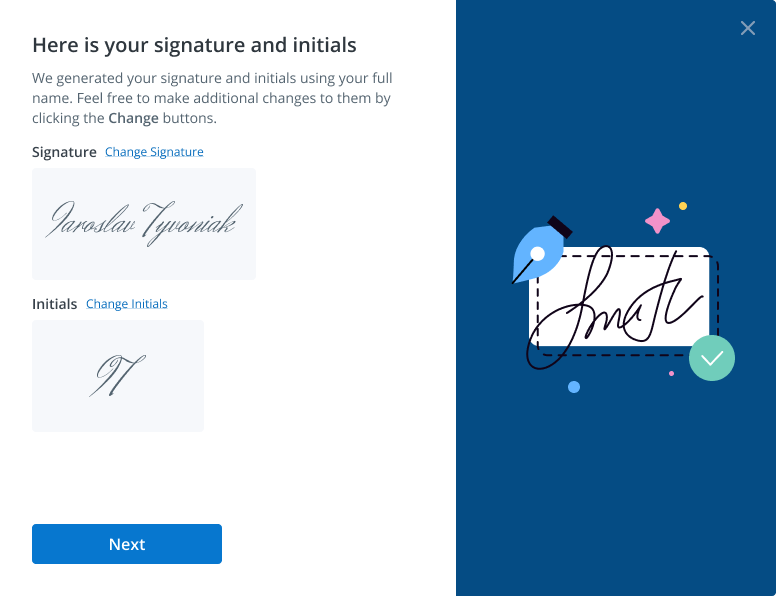
Give them a clear next step.
Finish setup with a direct action: upload the first document into the newly created account.
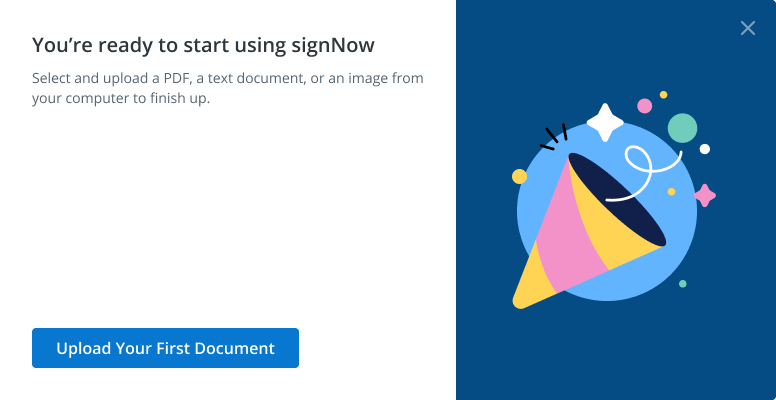
More documents. A more useful first experience.
User feedback and next steps
Users responded positively to the redesigned onboarding. The flow addressed the main goals we had set and gave us a foundation for further improvements, including more personalized onboarding for customers with different product needs.
- Signup → first document upload
- +15%
- Signup → first document sent
- +7%
- Signup → first completed document
- +5%
- Trial → paid
- +2%